WhimKid
AI Storybook Editor for Text, Illustrations, and Page Order
WhimKid includes a page level editor for the work after generation. Fix one sentence, move the text away from a face, reorder a scene, regenerate a single illustration, or restore an earlier version without rebuilding the whole book.
Last updated:
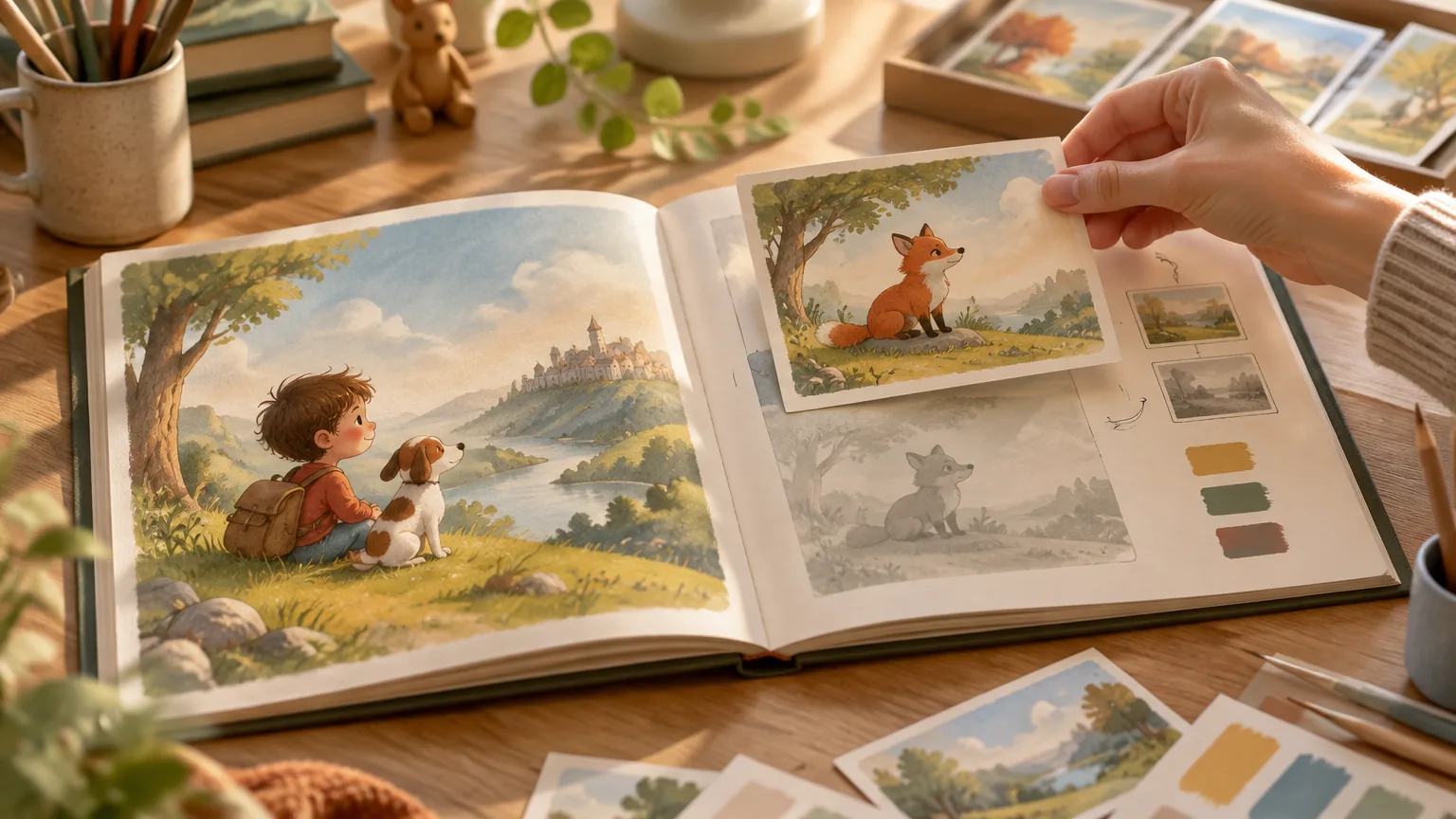
What the AI storybook editor does
The editor keeps a generated book editable. It is designed for the problems that remain after a useful first draft: a wrong name, a long sentence, a missing prop, a character that drifts on one page, text over a face, an unclear page order, or an ending that arrives too quickly.
You can review the book from the cover to the final page and change text, individual illustrations, layout, page order, and page count. The finished book remains available for later edits after export.
Quick answers
| Question | Direct answer |
|---|---|
| Can I edit every page? | Yes. Review and change every page before sharing or export. |
| Can I edit both text and illustrations? | Yes. Text and illustrations use separate controls, so one weak image does not force a new story draft. |
| Can I regenerate one image? | Yes. Regenerate only the page that needs work. |
| Can I restore an older image? | Yes. Earlier illustration versions can be preserved for restore. |
| Can I change page structure? | Yes. Reorder, add, remove, and change page count before export. |
| Can I reuse a character in another book? | Yes. Save a character reference and select it for a later project. |
How to adjust wording and layout before export
- Read the story aloud from the cover to the final page.
- Correct names, pronouns, tense, reading level, and the ending.
- Inspect every illustration for missing props, character drift, extra objects, or distorted details.
- Move text when it covers a face or becomes hard to read.
- Adjust the image size or page composition when the balance feels crowded.
- Review the cover and back cover with the interior pages.
- Open the exported PDF, audio, or video on the device the reader will use.
Text edits and layout edits do not repeat the image generation charge. Image generation and narration use credits at the displayed cost.
Reorder, add, or remove pages
Page structure changes the reading experience. Use them when a scene arrives too early, the middle repeats an idea, or the ending needs one more beat.
- Reorder: move a scene to a clearer position in the story.
- Add: create room for a missing setup, transition, or ending.
- Remove: delete a page that does not move the story forward.
- Adjust page count: review the book against the reader's age and attention span.
Change one structural element at a time and read the affected section again. A page that works alone can still create a continuity problem when it moves.
Regenerate one illustration without remaking the book
- Open the page that needs a new image.
- Describe the specific correction, such as a missing lantern, a different expression, or a clearer face.
- Regenerate that page while keeping the story text and other illustrations unchanged.
- Compare the new image with the previous version.
- Restore the previous image if the new result is less accurate.
- Check the cover and adjacent pages after the change.
Use this workflow when the story is sound and only one visual fails. A full book regeneration can introduce new differences on pages that were already acceptable.
Restore an earlier illustration version
WhimKid can preserve earlier illustration versions during editing. This matters when a new image changes the character's face, clothing, proportions, or scene in a way that no longer fits the book.
Compare the old and new versions against:
- The story text on the page.
- The character's appearance on the cover.
- The character's appearance on the previous and next pages.
- The selected art direction.
- Any important prop or location.
Version restore provides a recovery path. It does not guarantee an exact likeness or perfect continuity.
Reuse the same character across stories
A saved character reference can be selected for another book. This is useful for a recurring bedtime character, a family mascot, a series idea, or a book about the same child.
The reference guides visual continuity. It does not guarantee identical faces, clothing, or proportions in every scene. Check the new book before generation and review every page after generation.
What stays editable
| Area | What can change | Credit behavior |
|---|---|---|
| Story text | Names, wording, sentence length, dialogue, reading level, and ending | Text edits do not repeat the image charge |
| One illustration | Character, prop, expression, or scene on one page | Image generation uses credits at the displayed cost |
| Layout | Text position, image position, spacing, and page composition | Layout edits do not repeat the image charge |
| Page order | Sequence, additions, removals, and page count | Structural edits do not repeat the image charge |
| Version restore | Return to an earlier illustration | Restore does not repeat the image charge |
| Export | PDF, images, audio, subtitles, or video | Export does not repeat the image charge |
What the editor does not promise
Character references cannot guarantee identical features on every page. AI illustration can still produce a changed expression, clothing detail, hand, prop, or background. Scenes with several characters or partly hidden faces need a closer review.
The PDF export is image rendered. It does not provide selectable text or an editable document layer. Keep the book in WhimKid when you need to revise it later.
Review checklist before sharing
- Read the full story once without stopping.
- Check every name and pronoun.
- Compare the main character on every page.
- Look for missing or extra objects.
- Check text size and placement.
- Check the first page, final page, and page order.
- Confirm permission for every photo or reference image.
- Open the actual export before sending it.
For a broader buying framework, read the AI storybook maker buying checklist. For the complete product workflow, see the AI storybook maker.
FAQ
Can I edit every page of an AI-generated children's book?
Yes. WhimKid lets you review the book from cover to final page and change text, individual illustrations, layout, page order, and page count before sharing or export.
How do I adjust layout and wording before exporting?
Read the story aloud, correct names and wording, move text that covers important parts of an illustration, adjust the page composition, and check the cover and final page. Then open the actual export on the device the reader will use.
Can I reorder, add, or remove pages?
Yes. You can reorder scenes, add pages, remove pages, and change the page count before export. Review the story flow again after each structural change.
Can I regenerate one illustration without remaking the book?
Yes. Open one page, describe the visual correction, and regenerate that image while keeping the story text and other pages unchanged. Compare it with the earlier version and restore the old image if needed.
Can I restore an earlier illustration version?
Yes. Earlier illustration versions can be preserved during editing so you can restore a previous image when a new result is worse. Check the restored image against the story and adjacent pages.
Can I reuse the same character across stories?
Yes. You can save a character reference and select it for another book. The reference guides continuity but does not guarantee identical facial features, clothing, or proportions.
Do text and layout edits use image credits?
No. Text edits, layout edits, page order changes, version restore, PDF export, and sharing do not repeat the image generation charge. Image generation and narration use credits at the displayed cost.
Does the editor export a PDF with selectable text?
No. The PDF is rendered as page images. Keep the editable book in WhimKid when you need to change text later, and check the PDF before sending it to a printer.
Open the complete workflow
Create a storybook, compare the current plans and credit details, or read the AI storybook maker page for the full creation path. For a photo-based project, start with personalized story books with photos.