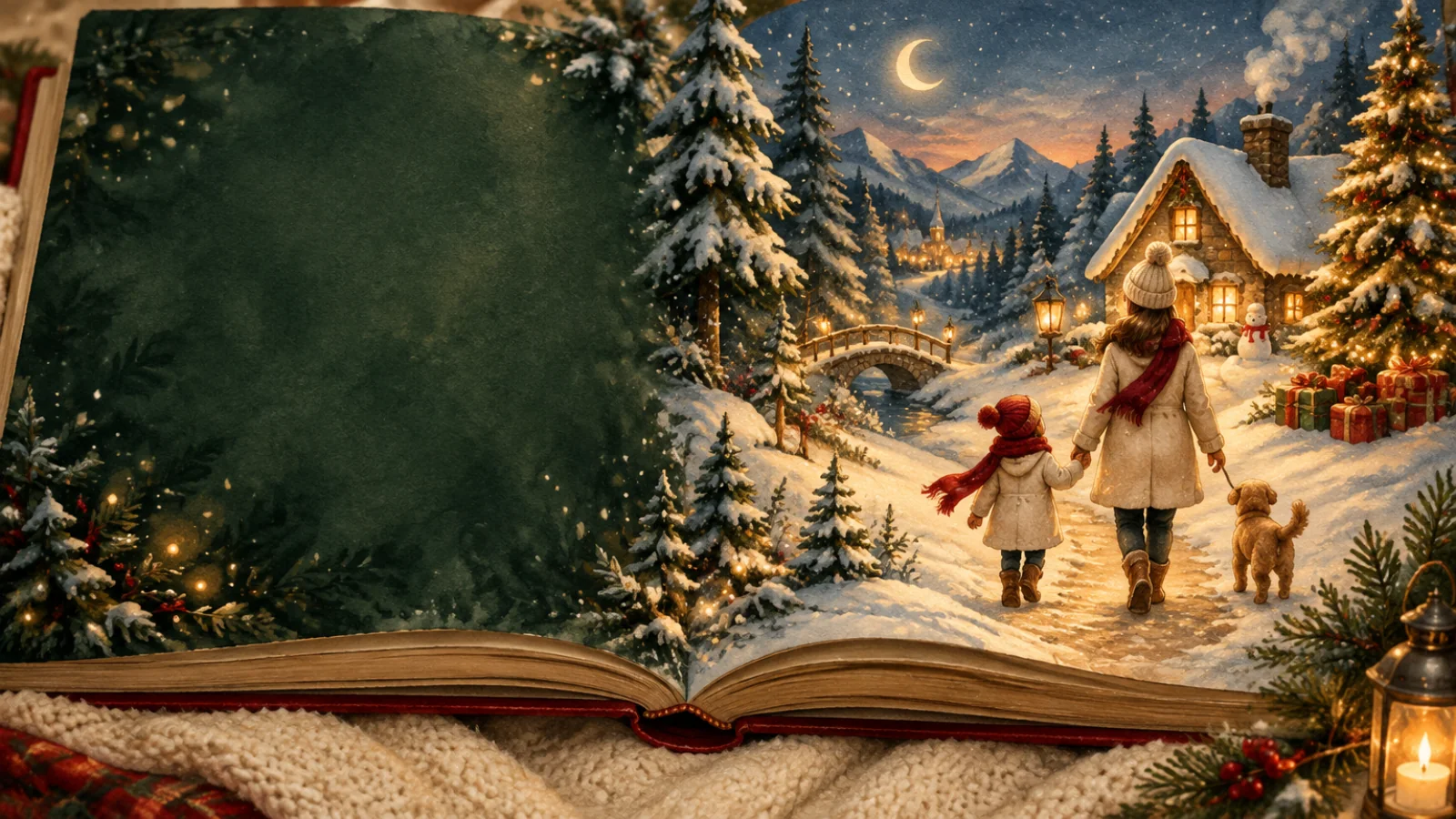
A cozy Christmas story room
Make a personalized Christmas book your child stars in
Read complete Christmas picture books, then choose a gentle story direction and carry your child's favorite things into a new book.
Christmas picture books
Start with a story you can read together
Every sample includes the complete text and illustrated pages. No account is needed to read.
Ages 5 to 7 · 26 story pages
Leo's Five Flat Stockings
On Christmas morning, Leo discovers all five stockings are flat and empty because everyone forgot to fill them. Using small things from around the house, he fills each stocking and clips a handmade drawing to every one, then waits for his family to wake and see what he has done.
Read the complete bookAges 5 to 7 · 21 story pages
One More Crown
At Christmas dinner, Nellie’s paper crown splits and then slips during the family photo. Left out, she makes new paper crowns for Dad, Mum, Grandma, Theo, and one taller crown for herself, so everyone can be in the picture.
Read the complete bookParent guided Christmas studio
Give the next story a familiar heart
Pick a gentle story direction, use a nickname, and add a few family details. You can review and edit the prepared idea before generating anything.
Use a nickname. These details stay in this browser for up to 24 hours and are never sent as campaign analytics.
An account is required in the creation workspace. Your private draft will be restored after sign in or registration.
Preparing the idea here is free. Generating the script currently costs 10 credits. Illustrations and optional narration happen later as separate choices with visible costs.
Choose the feeling before the decorations
For younger children, begin with familiar routines, one small family moment, and a warm ending at home. For older children, add a simple problem that kindness or teamwork can solve. Keep the story calm and specific to your family.
A Christmas gift you can finish today
Make it for your child, a grandchild, or a family friend
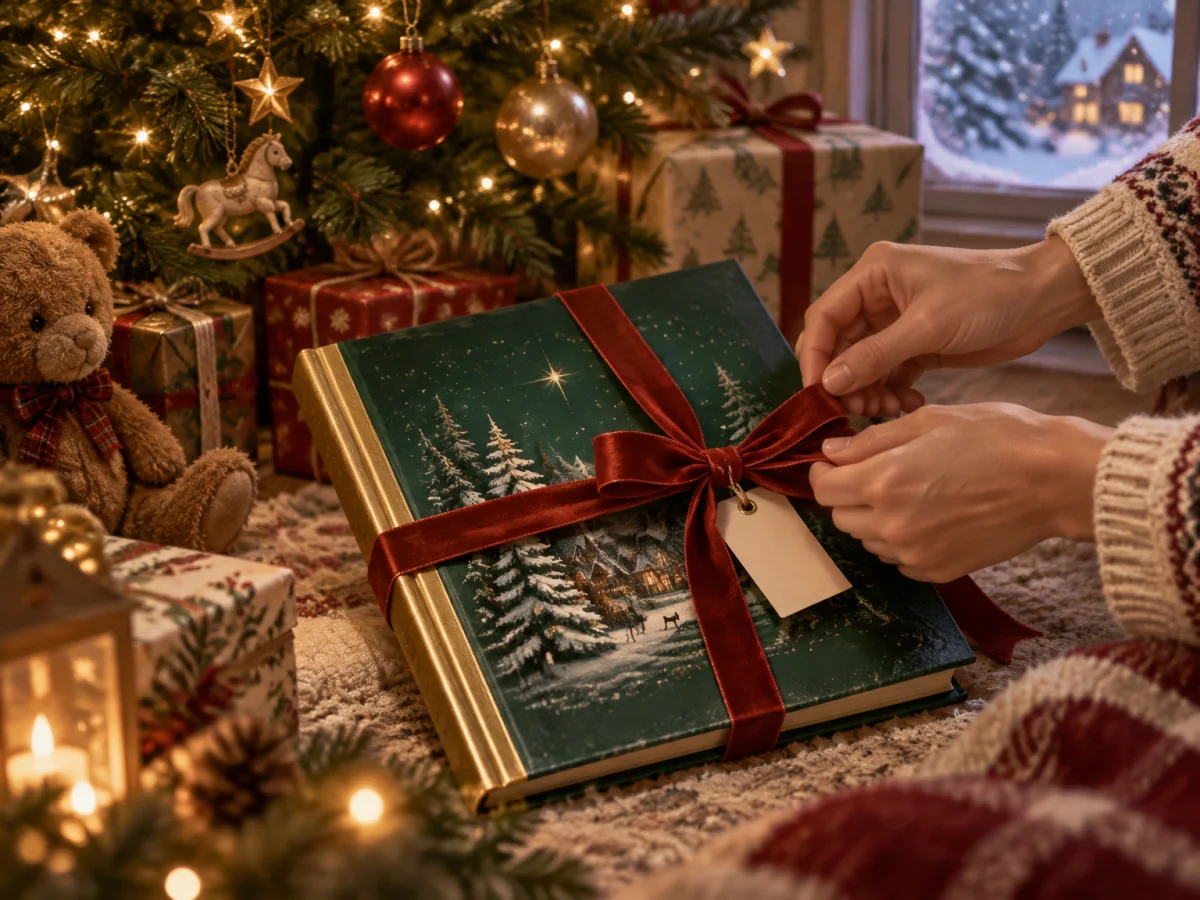
A personalized Christmas book works as a gift, a Christmas Eve read, or a family keepsake. You can read it online, share a protected link, or export a PDF and print it yourself.
- Choose the gift recipient in the studio so the story tone matches the relationship.
- Share a link with a password and expiry date, or send an exported PDF.
- WhimKid does not print, bind, or ship books. You arrange printing yourself.
Questions parents ask before starting
Is this a printed book or a digital one?
WhimKid creates a digital storybook and a PDF export. You can print the PDF through a service you choose. WhimKid does not print, bind, or ship books.
Can I make one in time for Christmas?
The book is delivered digitally, so there is no shipping wait after you finish it. Generation time depends on the page count, illustrations, revisions, and whether you add narration.
Do I need my child's photo or real name?
No. A nickname or story name is enough. A photo is optional, and if you use one, use a photo you have permission to upload and get parent or guardian consent for a child.
Is the story religious?
The presets focus on family, giving, and traditions. If you want a religious Christmas story, describe the direction you want in the story brief before generating.
Can I send it to someone as a gift?
Yes. You can share a link with a password and expiry date, or send an exported PDF. WhimKid does not deliver gifts or arrange printing.
Keep exploring
A Christmas book can be a shared family object and a story about one particular child. A personalized Christmas book starts with a photo, a name, and a Christmas idea, then turns them into an illustrated storybook with editable pages. The child can be the helper who saves a snowy town, the reader who finds a lost letter, or the grandchild who arrives at a family gathering with a story to tell.
This page is for adults who want to make a Christmas story for a child. An adult controls the account, the photo upload, the story brief, the edits, the sharing settings, and the export.
Why a personalized Christmas book
Most Christmas books are written for any child. A personalized book gives the reader a place in the story. The photo supplies a visual reference for the main character. The name and the Christmas idea supply a role and a reason for the adventure. Reading age guides vocabulary and pacing. Art direction keeps the cover, story pages, and back cover in one visual mood.
The result works as a bedtime story in December, a gift opened before Christmas, or a digital book sent to grandparents who live far away.
How a Christmas storybook is made
- Start with a photo you have permission to use. Choose a clear image with one intended subject and useful details such as hair, clothing, or a favorite accessory. For a child, use a photo you have permission to upload and have parent or guardian consent.
- Choose the reading age and an art direction. These choices guide vocabulary, pacing, and the look of the cover and story pages.
- Describe the Christmas idea. Add the child's name, a place, a tradition, a gift, or a small problem to solve. A specific detail such as a favorite food, a family saying, or a pet makes the story feel made for one reader. The photo story workflow explains how a reference photo becomes a character.
- Generate, review, and edit. WhimKid plans the story, builds character references, and creates illustrated pages. Revise the words, regenerate an individual illustration, or adjust the layout. The storybook maker guide covers the editing pass in detail.
- Share or export. Read the book online, send a share link, or export a PDF for printing through a service you choose.
Christmas story ideas
- The child who helps Santa find a lost map before the Christmas Eve delivery.
- A Christmas train that stops at the reader's home and picks up a favorite pet.
- The year a family tradition almost did not happen, and the child who saved it.
- A grandparent's Christmas memory told with the child as the young hero.
- A snowy walk that turns into a small rescue.
- A story about giving, where the child chooses one gift to pass on.
The strongest idea is usually the smallest one. A single object, place, or family habit gives the story a reason to exist beyond the Christmas setting.
What the finished book can include
WhimKid books support a digital reading experience with page turning, optional narration and background music, and sharing controls. A share link can be protected with a password and an expiry date. Export options include PDF with text, PDF without text, image export, captioned audio, and a WebM video that combines the composed pages with audio. Video export does not animate the characters.
PDF pages are rendered as images. Do not expect selectable text or an editable document inside the PDF. Keep the book in WhimKid if you want to edit it later. Export preserves the book's page proportions. Check a printer's required dimensions, bleed, resolution, and margins before ordering a print.
A gift for grandparents and family
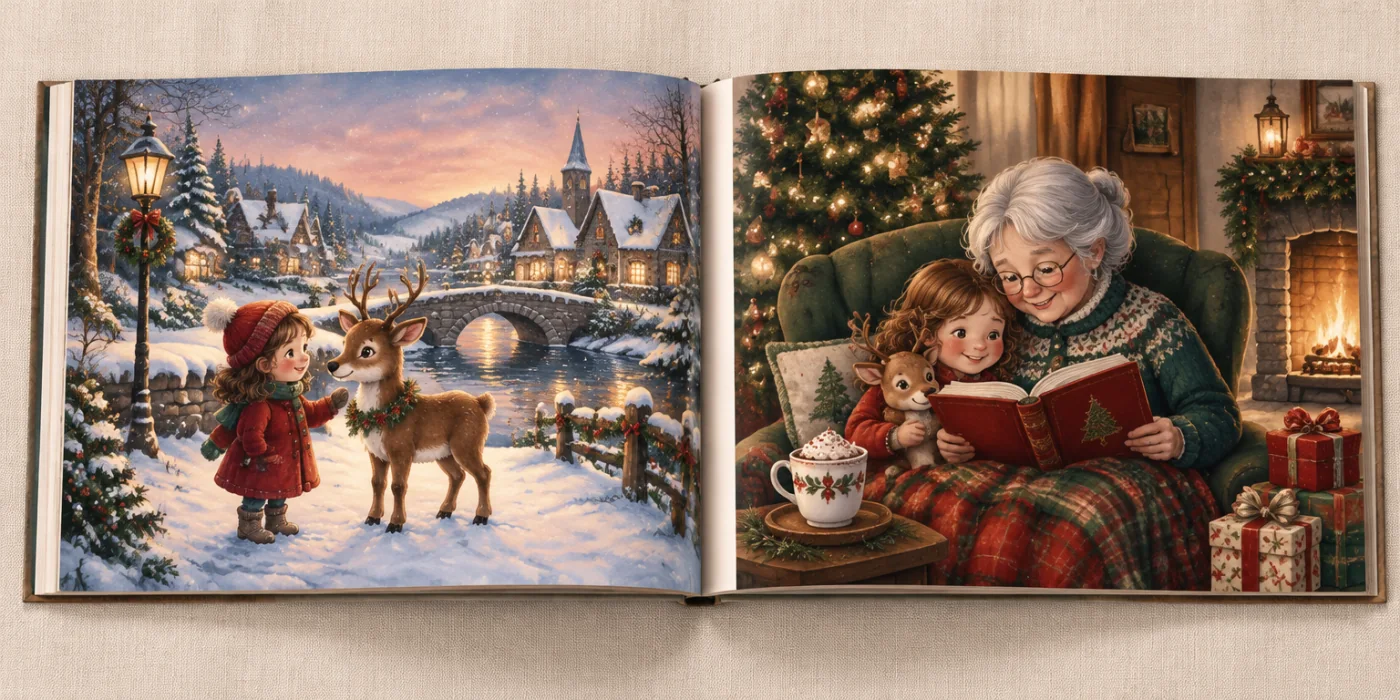
A Christmas storybook can be sent to grandparents, godparents, or family friends who cannot be there in person. Open the share link during a video call and read it together, or export a PDF and print it through a service you choose. Add a familiar place, a family saying, or a pet to make the story recognizable to the people who know the child best.
If the book is a gift, check the first and last pages, the text size, and the page order before sharing or printing. Read the whole story once on the device the reader will use.
Start with 100 welcome credits
New accounts receive 100 welcome credits that are valid for 30 days. Generating a story script uses 10 credits. Illustration and narration generation use credits according to the displayed cost. Text edits, layout edits, PDF export, version restore, and sharing do not repeat those generation charges. Welcome credits do not guarantee a finished book at no charge. Check the displayed cost in the app and the current plans and credit details before starting a longer book.
See a finished example
Browse the WhimKid storybook collection to see published examples and page formats. For the editing workflow, read the storybook maker guide. For a photo-based book outside the Christmas season, see personalized story books with photos. To plan a longer project, follow the AI children's book creation guide.