WhimKid
Create Personalized Story Books With Photos
Create a personalized children's book with your child's photo and name. Start with 100 welcome credits, edit every page, and export a PDF for reading or printing yourself.
New accounts: 100 welcome credits, valid for 30 days. Generation uses credits; usage varies by project.
Lite: $9.90/month or $99.00/year, with 1000 credits each month.
Compare plansA personal story can begin with one photo, one name, and one small idea. WhimKid turns those ingredients into an illustrated digital storybook that you can review, edit, read, share, and export. A personalized storybook can make a birthday, bedtime routine, family trip, or message for grandparents feel specific to the child who will read it.
Start your story or compare plans and credit options. The credits used by a project depend on its story, illustrations, revisions, and narration.
How a photo becomes your child's character
Start with a photo that you have permission to use. Choose a clear image with one intended subject and useful visual details such as hair, clothing, or a favorite accessory. The photo gives the illustration workflow a visual starting point, while the story brief gives the character a role and a reason to be in the story.
Next, choose a reading age, theme, character name, and art direction. WhimKid uses those details to plan the story, build character assets, and create illustrated pages. Review the character and pages as they are generated. You can revise the words, request a new illustration for an individual page, and adjust the layout before you share the finished book.
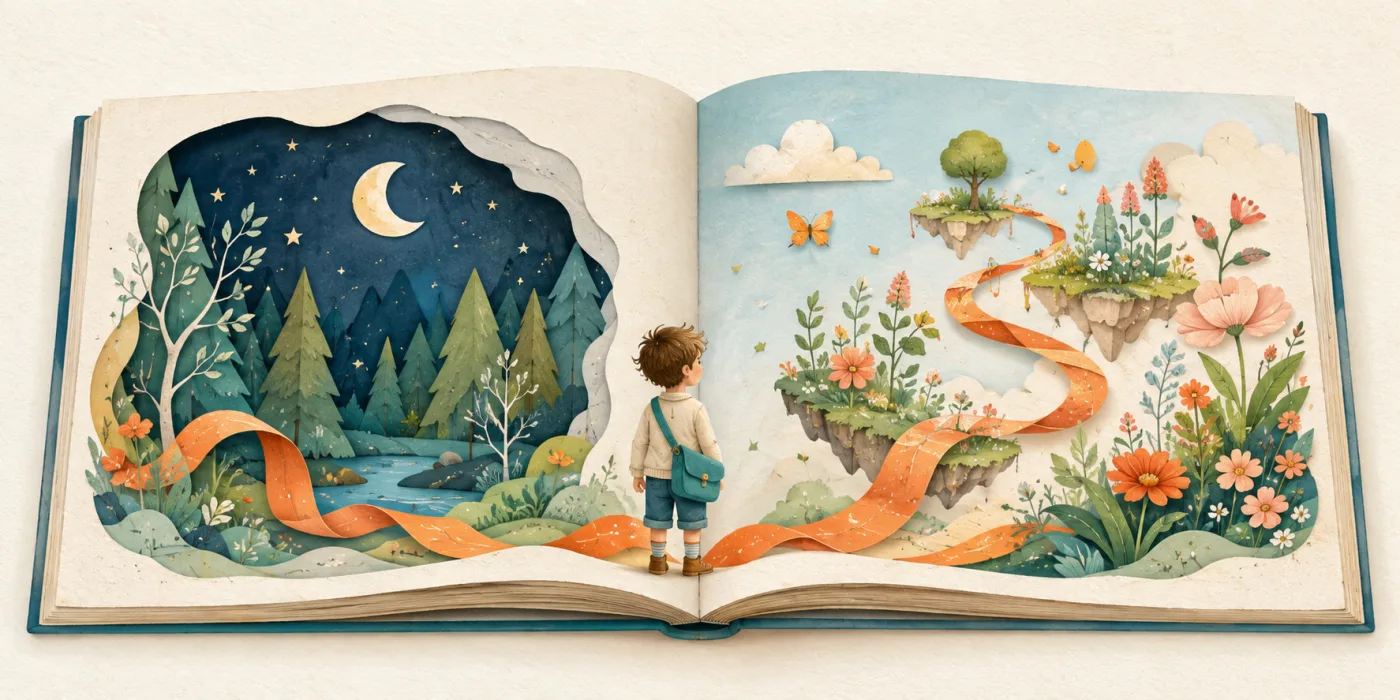
Give your character a favorite color, a familiar companion, or a place your family loves. These details turn the story brief into an adventure your child can recognize and enjoy at bedtime.
What makes it personalized
Personalized story books with photos work best when the visual reference and the story details support each other. Add your child's name, choose an age appropriate reading level, and give the character a simple role in the story. A child can become a moonlight explorer, a careful gardener, a friend to a shy dragon, or the helper who brings a family together.
The photo supplies visual direction. The name and story brief supply meaning. Reading age helps guide vocabulary and pacing. Art style creates a consistent visual mood across the cover, story pages, and back cover. You can also use a saved character when you want the same visual reference in another story.
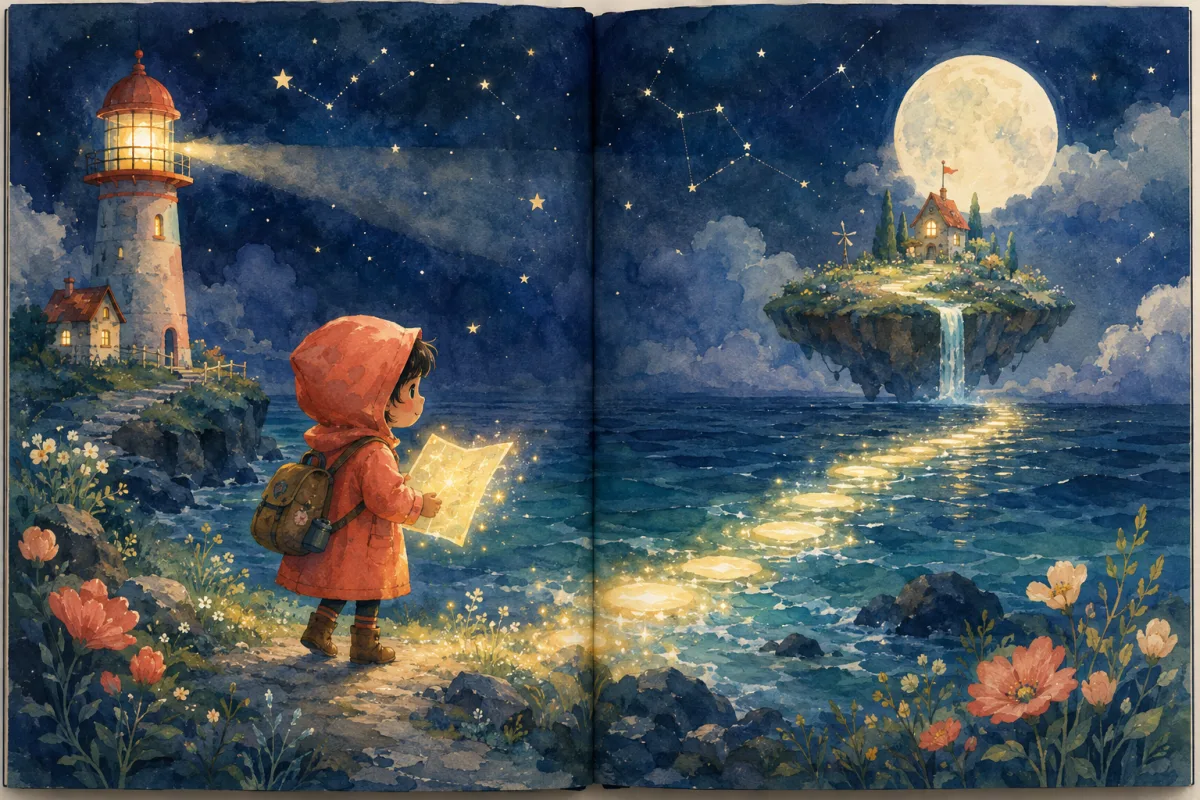
This workflow suits families who want personalized books for kids without having to draw every scene or format every page by hand. It also gives creators a practical starting point for a custom story that remains editable. Keep the favorite parts and edit the rest at your own pace.
A gift for grandparents and birthdays
A personalized children's book with photo details can turn a birthday adventure, a visit with grandparents, a first day at school, or a family tradition into a story made for one reader. Imagine grandparents opening a story where they join their grandchild on an adventure, or a birthday book where the child gets to be the hero. Add a familiar place or family saying to make the occasion recognizable.
WhimKid provides a digital reading experience with page turning, optional narration and music, private sharing controls, and export options. A password protected link and an expiry date help you decide who can open the book and for how long. Send grandparents a reading link so you can enjoy the story together, even from different homes.
Digital book or printed keepsake
After you review the pages, you can read the book online or export a PDF for your own use. You can print that PDF through a service you choose or keep it as a digital keepsake. The exported file should be checked before printing because paper size, margins, color, and printer settings affect the final result.

The images illustrate storybook styles and a family reading scene. Explore published books in the collection below.
Start with welcome credits, then choose a plan
New accounts receive 100 welcome credits that are valid for 30 days. The first story script uses 10 credits, and illustration and narration generation use credits according to the displayed cost. Text edits, layout edits, PDF export, version restore, and sharing do not repeat those generation charges. See the current plans and credit details before starting a larger project.
See a finished example
Browse the WhimKid storybook collection to see published examples and page formats. For a detailed editing workflow, read the storybook editor and PDF guide. You can also follow the AI children's book creation guide before starting a project.
FAQ
Can I use a photo of my child?
Yes. Add a clear photo to guide the main character, then give them a name and an adventure. Use a photo you have permission to upload, with parent or guardian consent for children.
Will the illustrations look exactly like the photo?
The photo guides a stylized illustrated character. Art style, pose and scene shape the result, so exact photographic likeness and identical appearance on every page are not guaranteed. You can revise individual illustrations before sharing.
Can I edit a personalized storybook after it is generated?
Yes. Edit the text and layout, reorder pages, regenerate individual illustrations, and restore earlier image versions where available. Add a family nickname or simplify a sentence to make the story feel personal.
Can I print the book?
Yes. Export a PDF for printing at home or through a service you choose. Check page size and margins before printing. WhimKid provides the digital book and PDF; you arrange printing and delivery.
Make your child the hero of their next story
Bring a photo and a story idea. Create, edit, and share a book your family can read together.
Start with 100 welcome credits