WhimKid
Illustrate your children's book with reusable characters
Build character references, create story illustrations, and revise individual pages. See complete examples before starting your own children's book.
Give your picture book a recurring cast
A children's book needs characters readers can recognize across scenes. WhimKid combines character references, an illustration style, and each page's story context to guide image generation. You can review the illustrations and revise individual pages before sharing the book.
Start with a small cast and a clear description of each character. Record recognizable details such as hair, clothing, colors, and a favorite object. Reuse a saved character from your character library when you want to bring that character into another story.
Build references before illustrating the pages
- Write your story idea and choose a visual style.
- Review the characters and other story assets. Check their main images and reference sheets before generating page illustrations.
- Generate the story pages with those references. Compare the face, outfit, proportions, and props across scenes.
- Revise a page's illustration prompt and regenerate that image when details drift. Review available image versions before choosing the one to keep.
References guide visual continuity. They do not guarantee identical faces, clothing, or proportions in every generated image. Scenes with multiple characters, new poses, or partly hidden faces deserve a closer review.
Look through a complete story
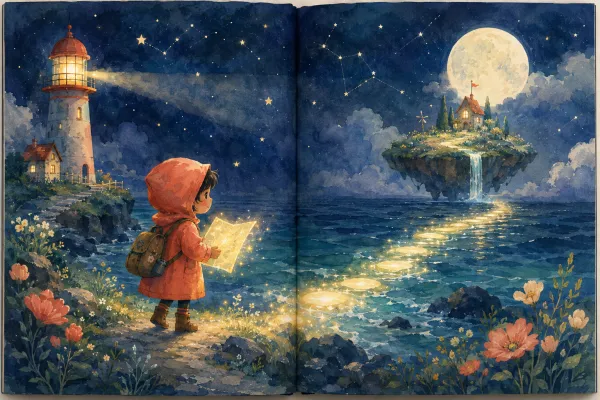
Open the existing WhimKid sample story and compare the illustrations across its pages. It is an existing example, not the result of the practice prompt in our tutorial. It does not establish a guaranteed result for your own input.
Choose what to revise
If the story is right but one illustration needs work, revise that page. If the recurring character is wrong, review the reference first. You can also edit the text and layout after generating images, so a visual correction does not require rewriting the whole story.
Have a real person in mind? Read about using a photo as a character reference. To finish the pages, see storybook editing and PDF export.
Before you begin
Use images and character designs you have permission to use. New accounts start with 100 welcome credits; the amount of work those credits cover depends on your generation choices and revisions. Check the displayed credit cost before generating and the current plans when you need more.